How to combine images?
Last Updated on June 12, 2026
Compositing is Key
Styleframe
Besides anything that moves, it has to look like something, and this is where you find that look.
A style frame is a single frame that carries the whole mood: light, colour, texture, feeling. Compositing is how you build it: you layer separate images until they stop being separate and start being one world.
Step 1 | Compositing Basics in AEP
Practice your compositing skills.
Assignment
No typography this time, just image. Pull the provided files into After Effects and start stacking: layers, transforms, masks, effects. Push an adjustment too far, pull it back, try the next thing. You’re not chasing correct, you’re chasing a feeling. You’ll know when the frame clicks.
-
Download the provided images.
-
Import them into Adobe After Effects.
-
Follow the steps to build the composition.
-
Use tools like layers, transforms, masks, and effects.
-
Experiment with adjustments and filters to improve the final look.
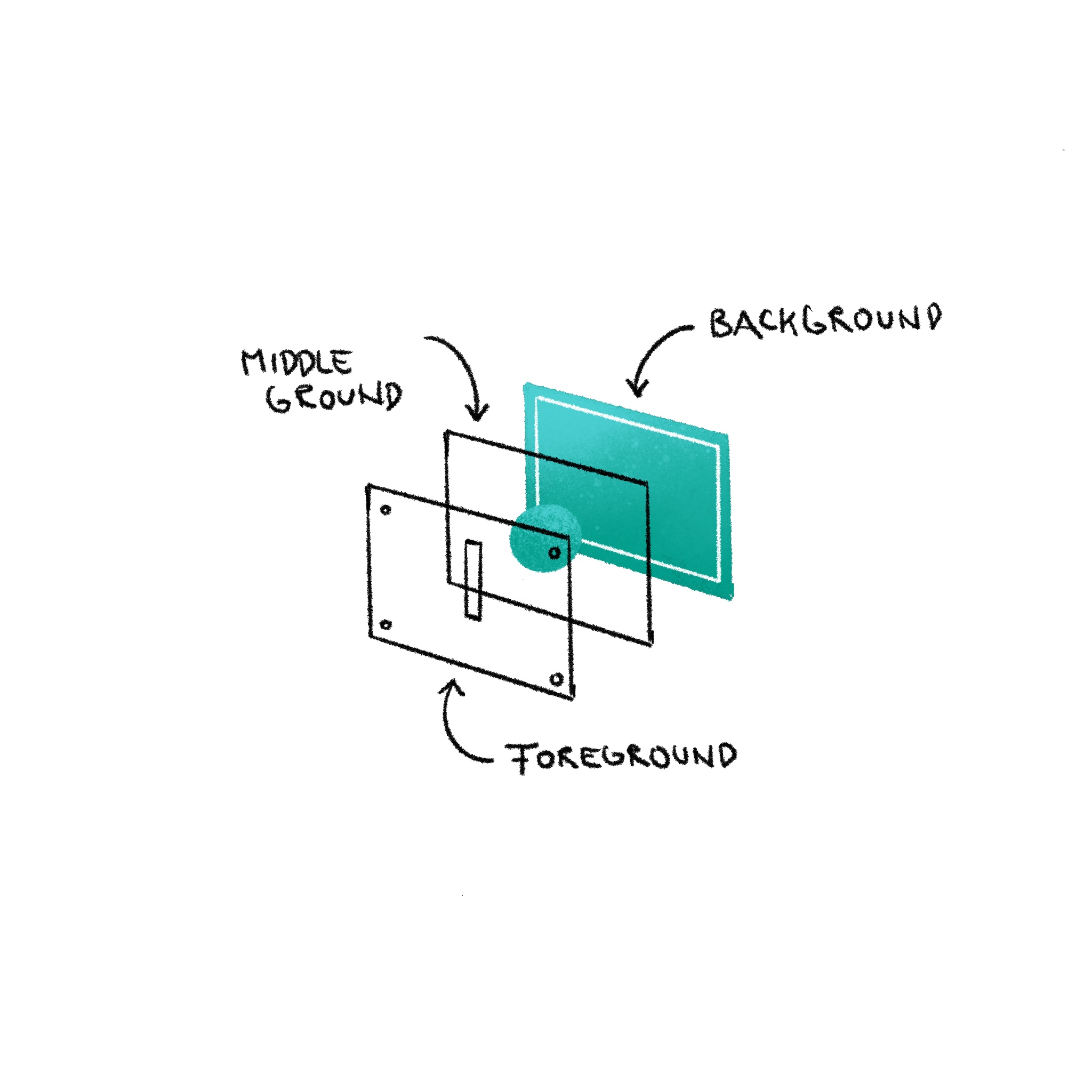
Step 2 | Push it
Mix it up
Assignment
You’ve got a frame that works. Now break it.
Duplicate your comps first, nothing can be broken, nothing lost. Then push: wrong scale, wrong colour, something that has no reason to be there but somehow belongs. Add new images if you want: a photo, a drawing, something scanned, something from the real world.
You’re not improving Step 1. You’re finding out what happens when you stop being careful.