How can drawings help visualize a motion design project?
Last Updated on June 10, 2026
Let's sketch together
Storyboard
To realize a motion design production, planning is essential. A common method of pre-visualization is creating a storyboard. Practical exercises will help you understand cinematic techniques and how to apply them.
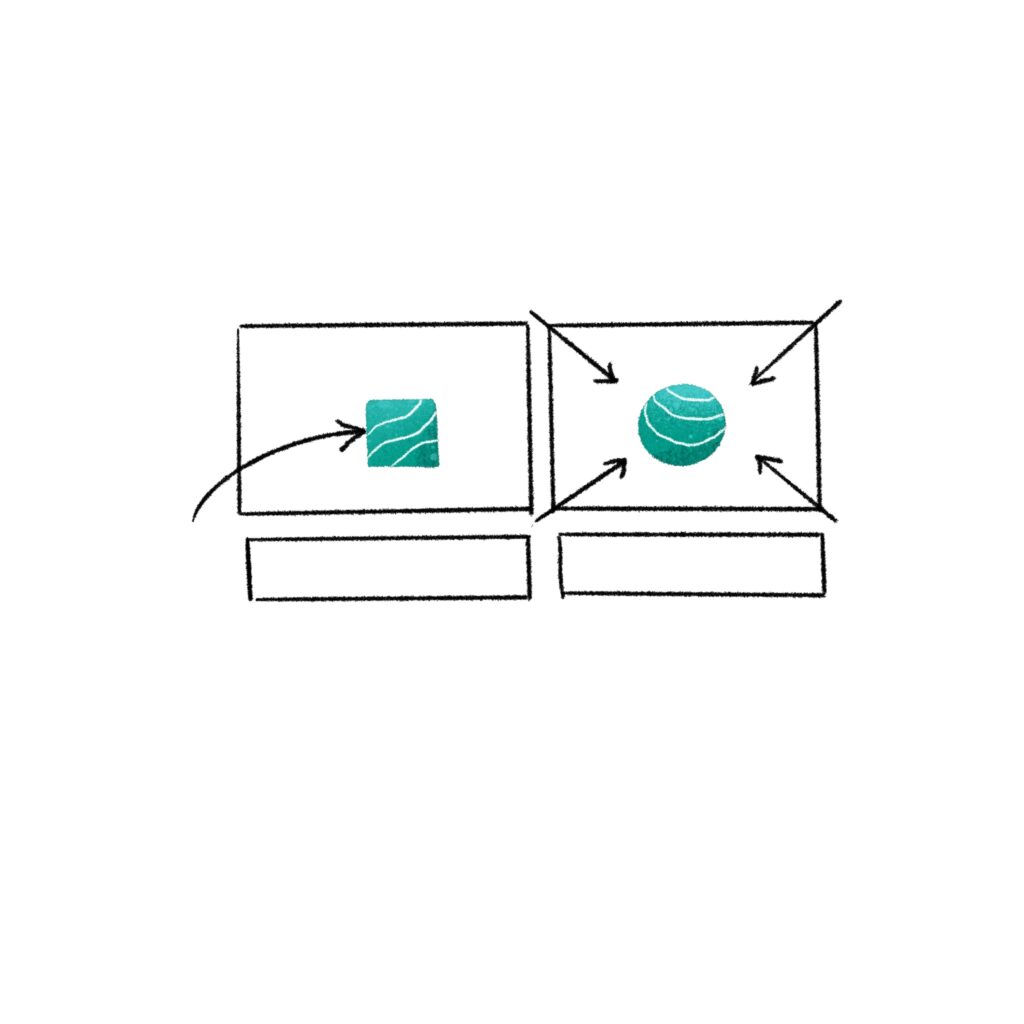
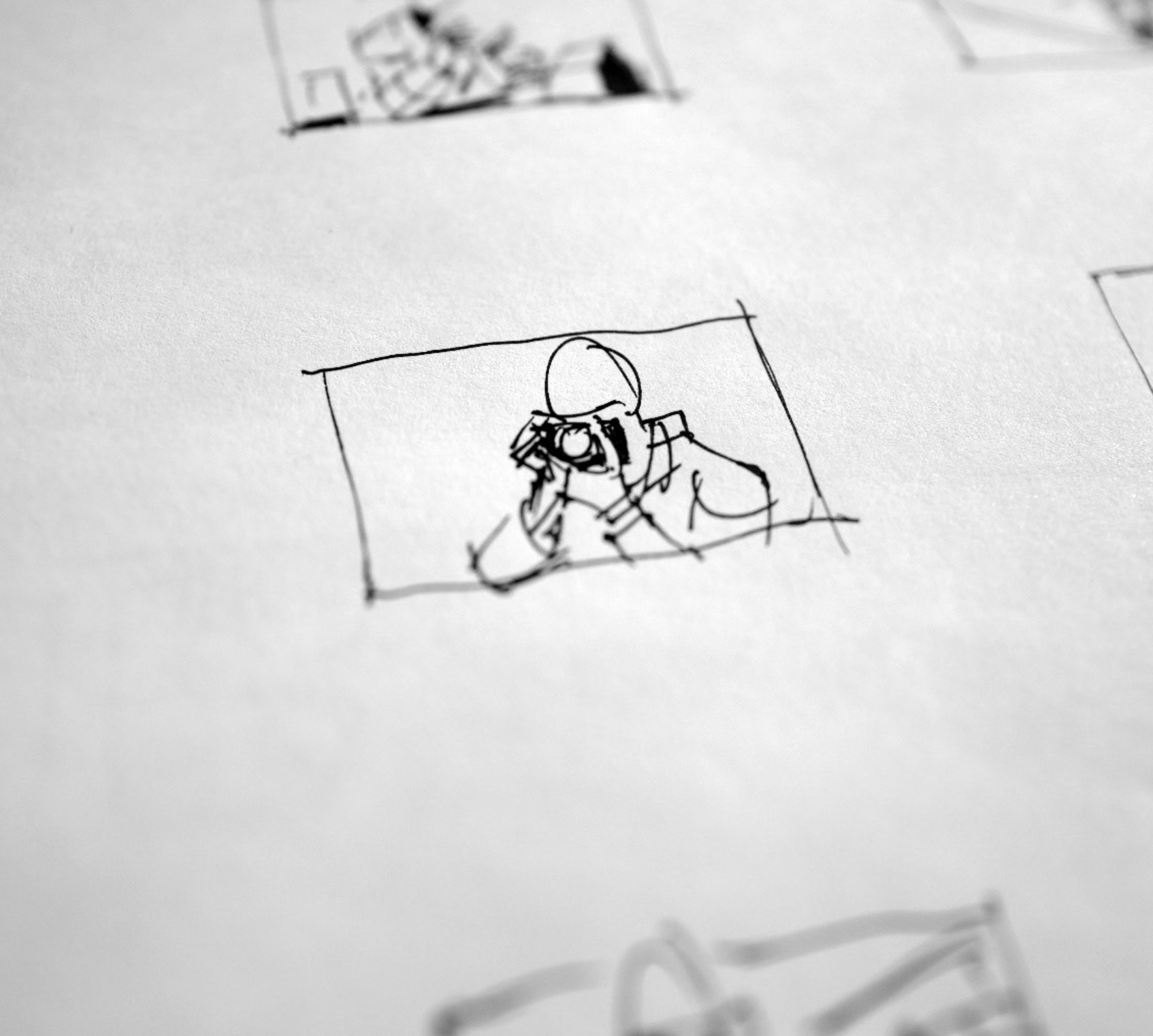
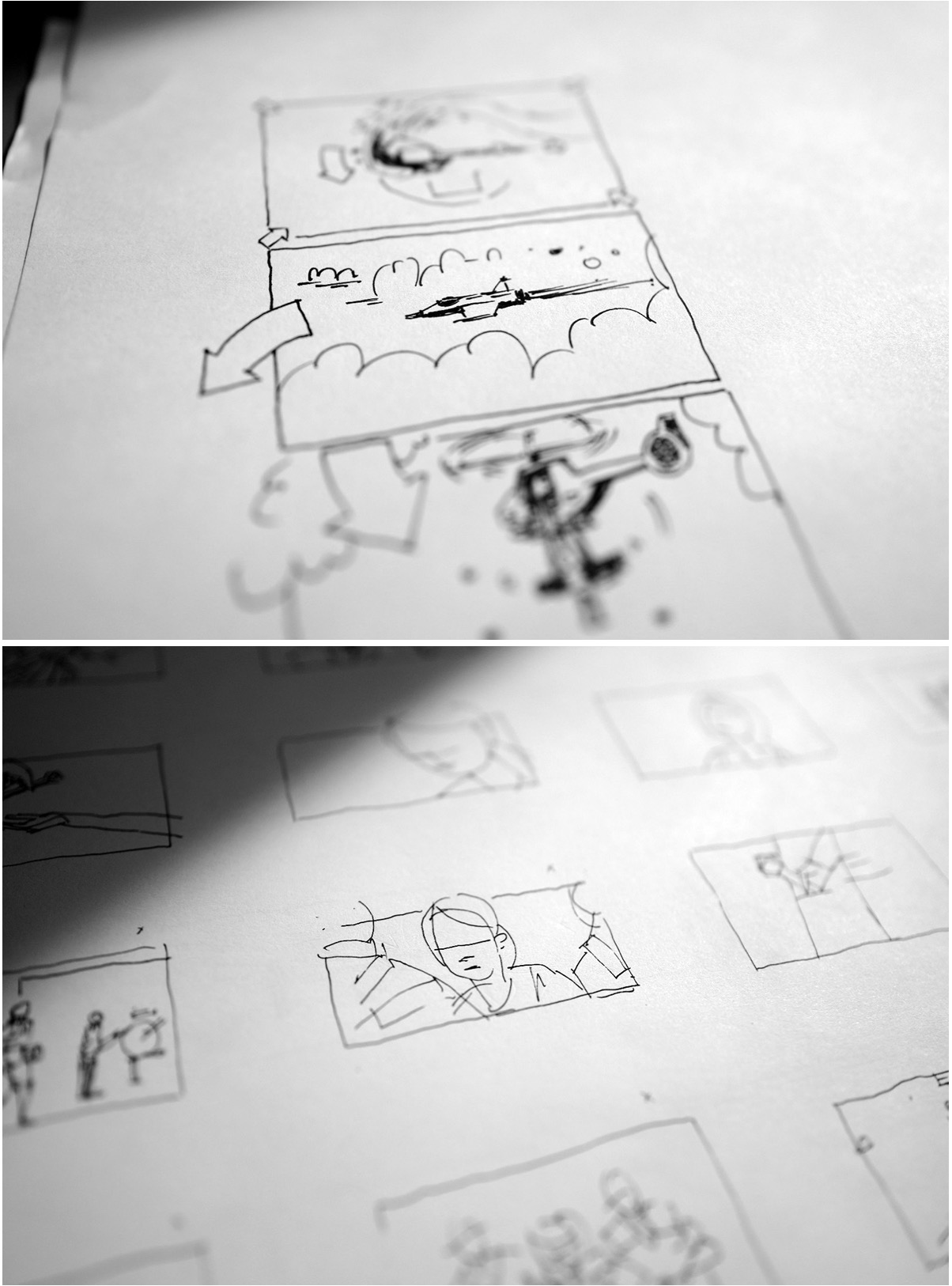
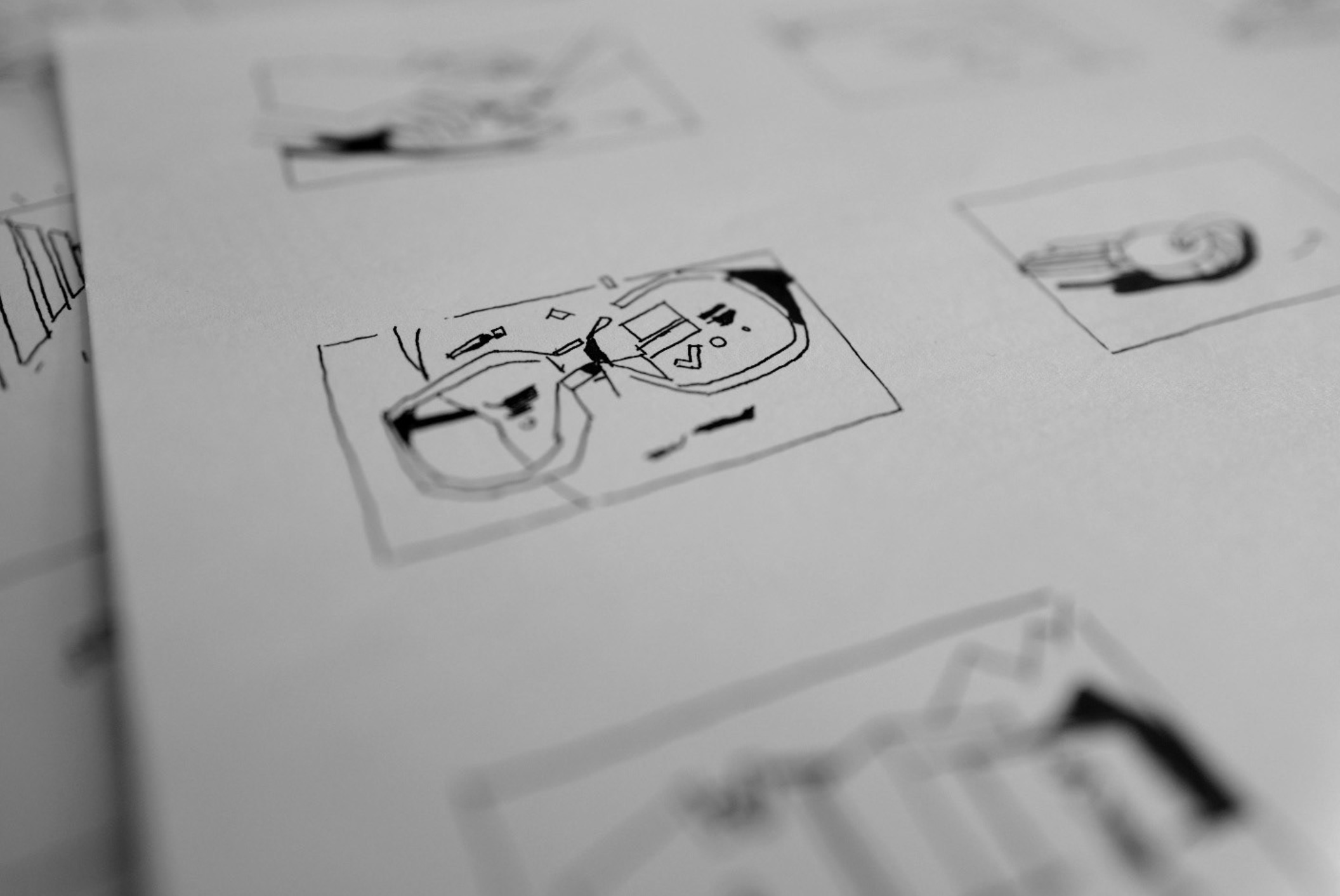
A storyboard is a series of images that visually tell a cinematic story. These sketches are arranged in a specific order to outline the sequence of events. Each image defines the shot size, perspective, lighting, color, and overall aesthetics, providing a detailed guide for the visual elements of the story.
An animatic, which is a preliminary version of the film using storyboard images in sequence, determines the duration of each scene and helps visualize the timing and flow of the story.
Warm up
Create a 12-frame storyboard: 3 words, one loop
Talk 3 minutes with a classmate about their project. Grab 3 words from it.
Turn them into a short looping sticker: them as the star, stuck on repeat forever.
Fast, rough, throwaway.
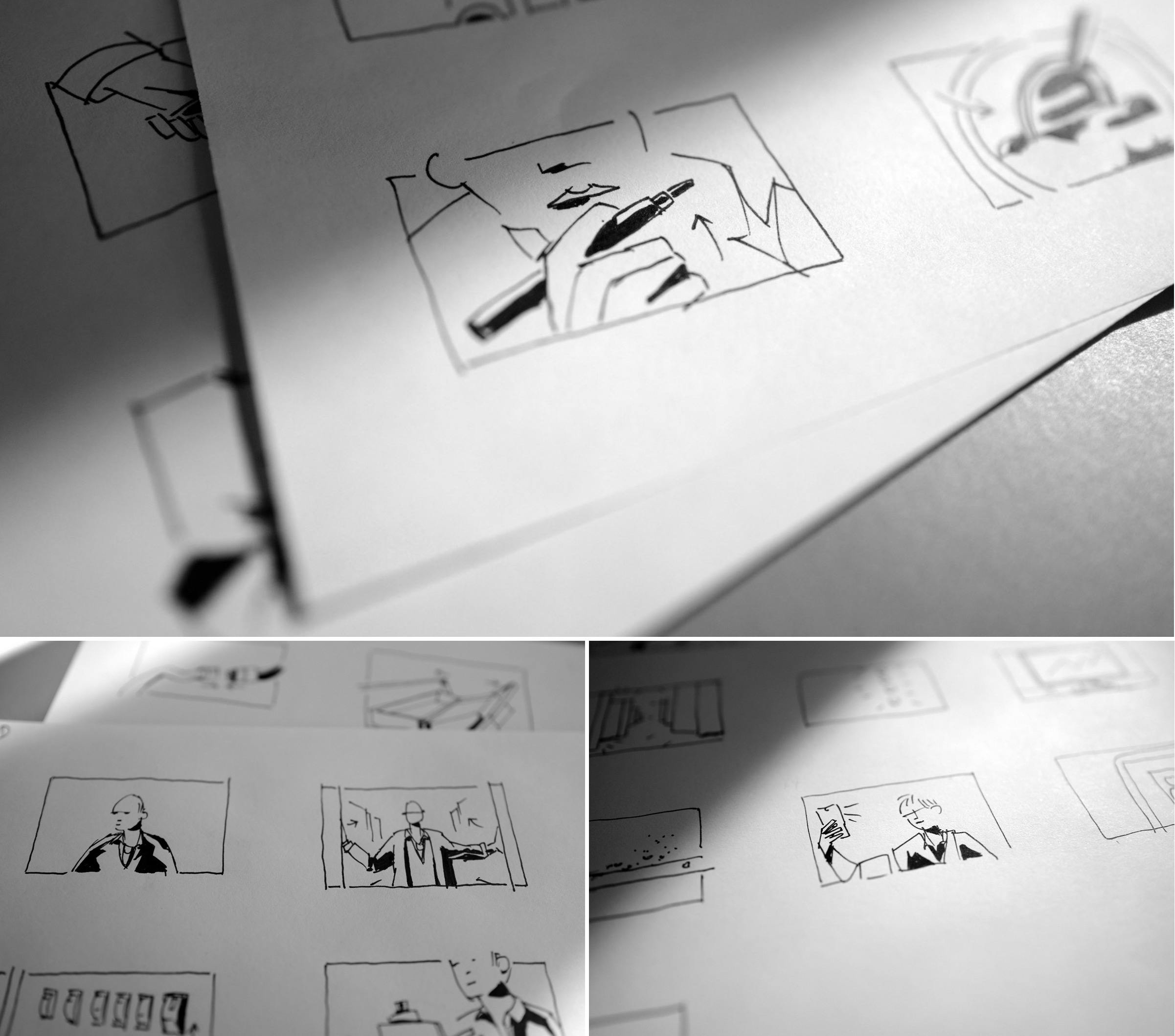
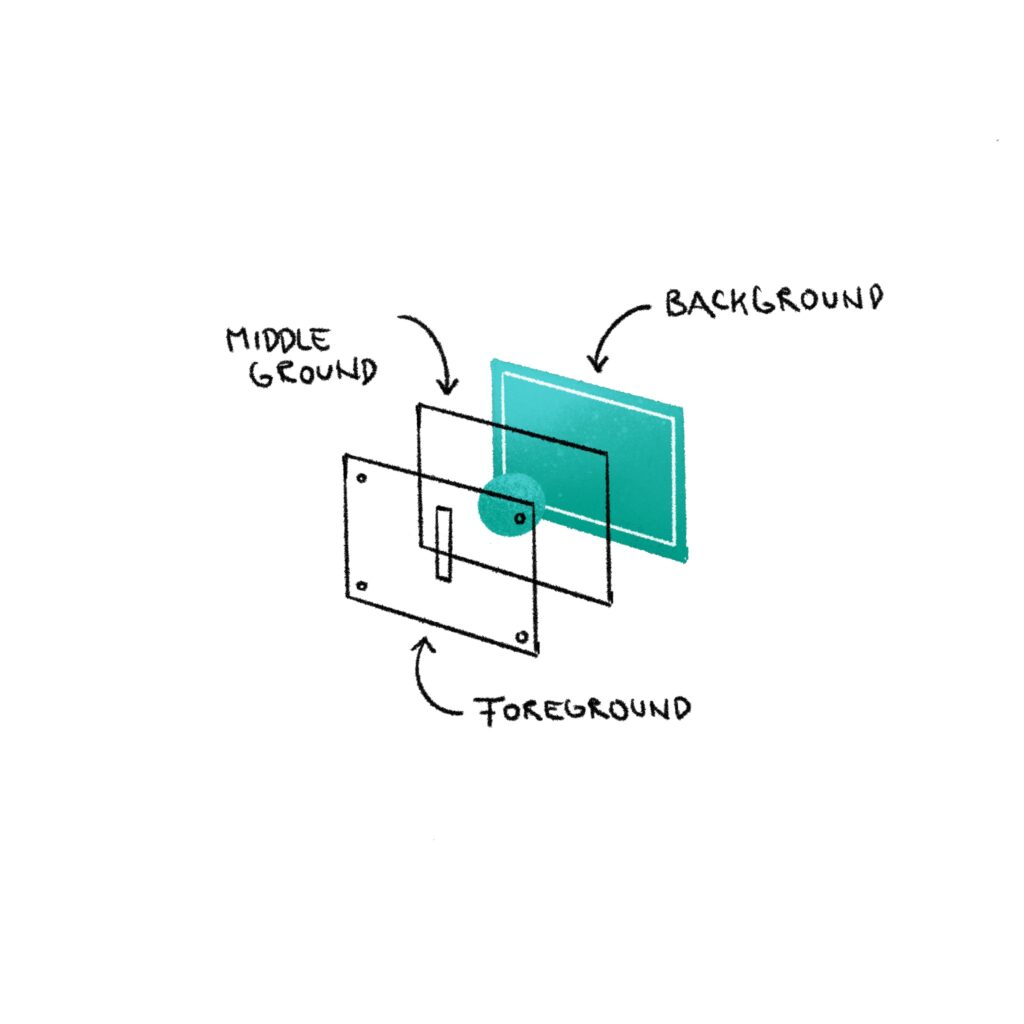
Step 1: Focus on creating a clear and understandable composition. Also, think about if and how each element in the image should be animated, and show these ideas visually.
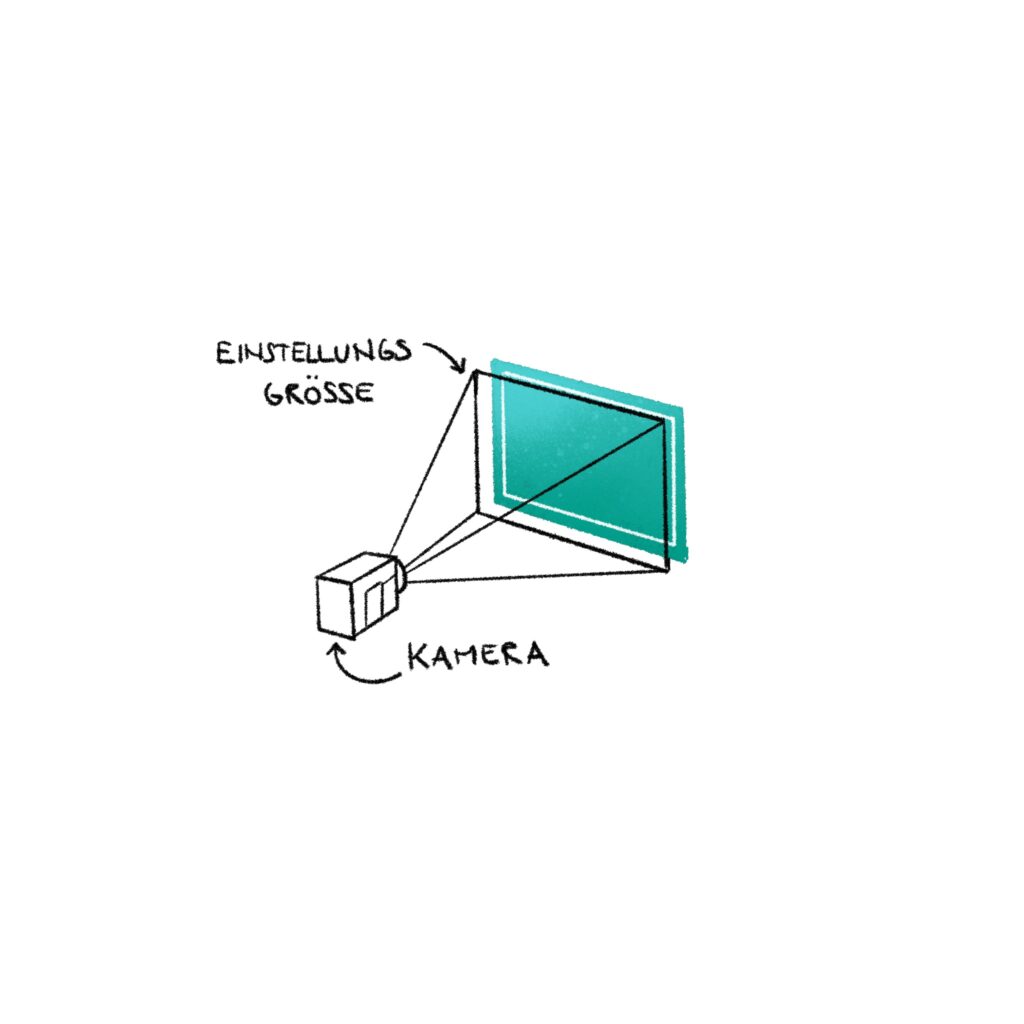
Step 2: Experiment with different camera settings to adjust your storyboard. Ask yourself: what do I want to highlight or show?
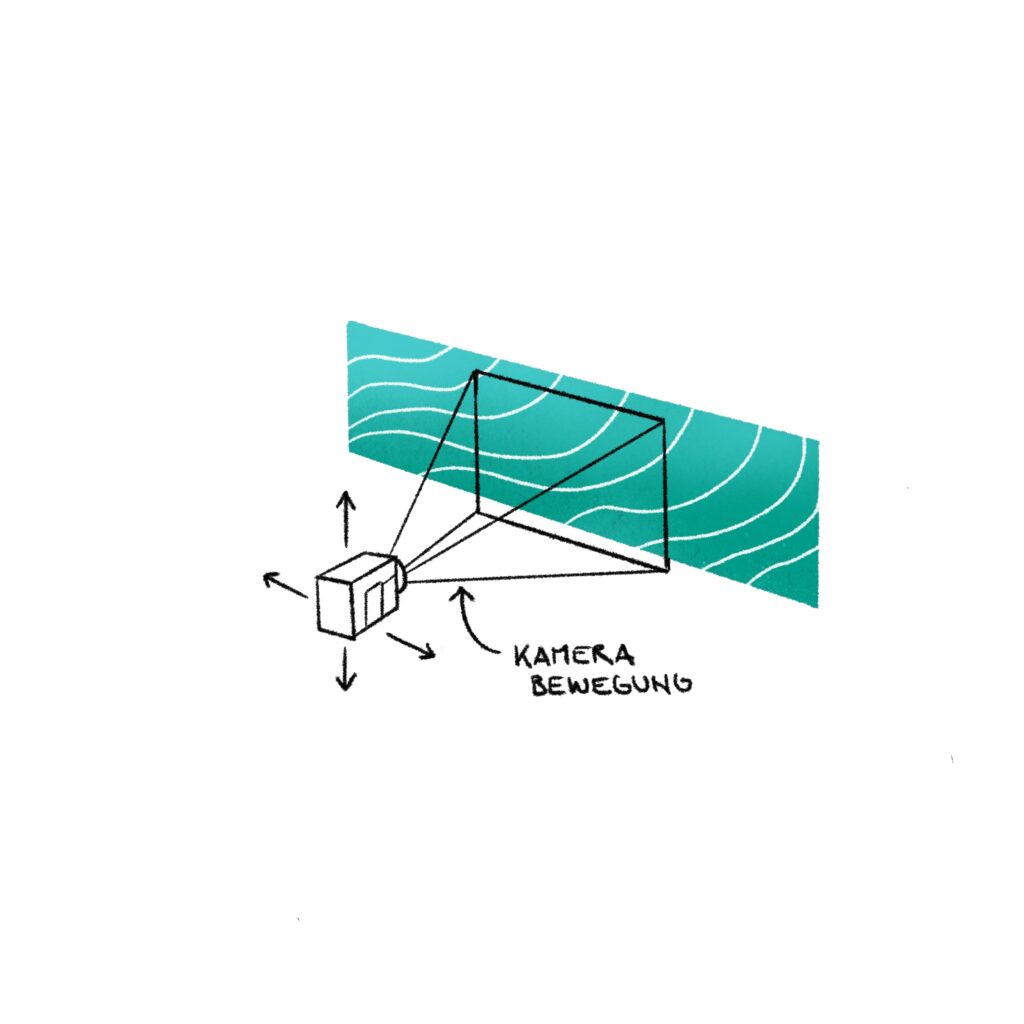
Step 3: Use cinematic techniques like camera movements or transitions to connect scenes. This step is often refined into an animatic using Adobe After Effects.
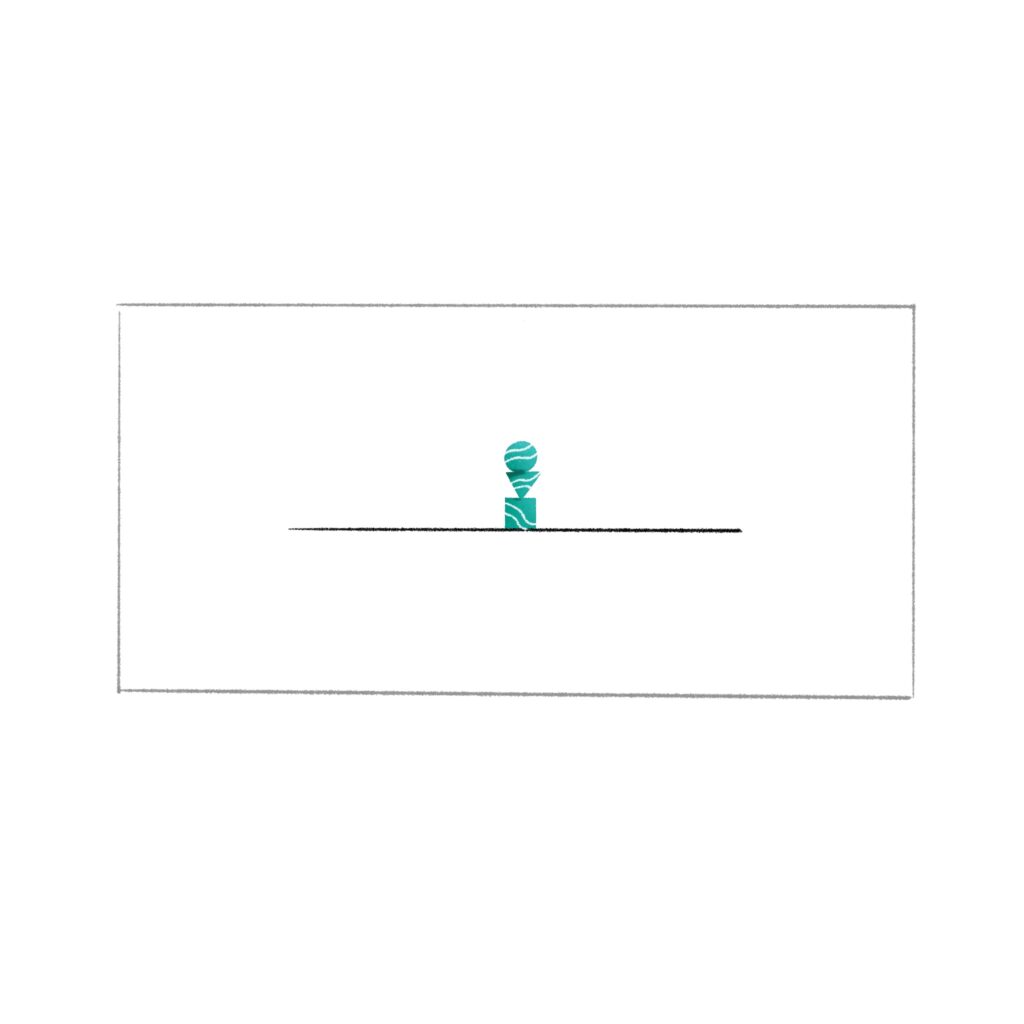
In narrative cinema, the extreme long shot is often used as an establishing shot to provide an overview. It can convey feelings of loneliness, isolation, freedom, or infinity.
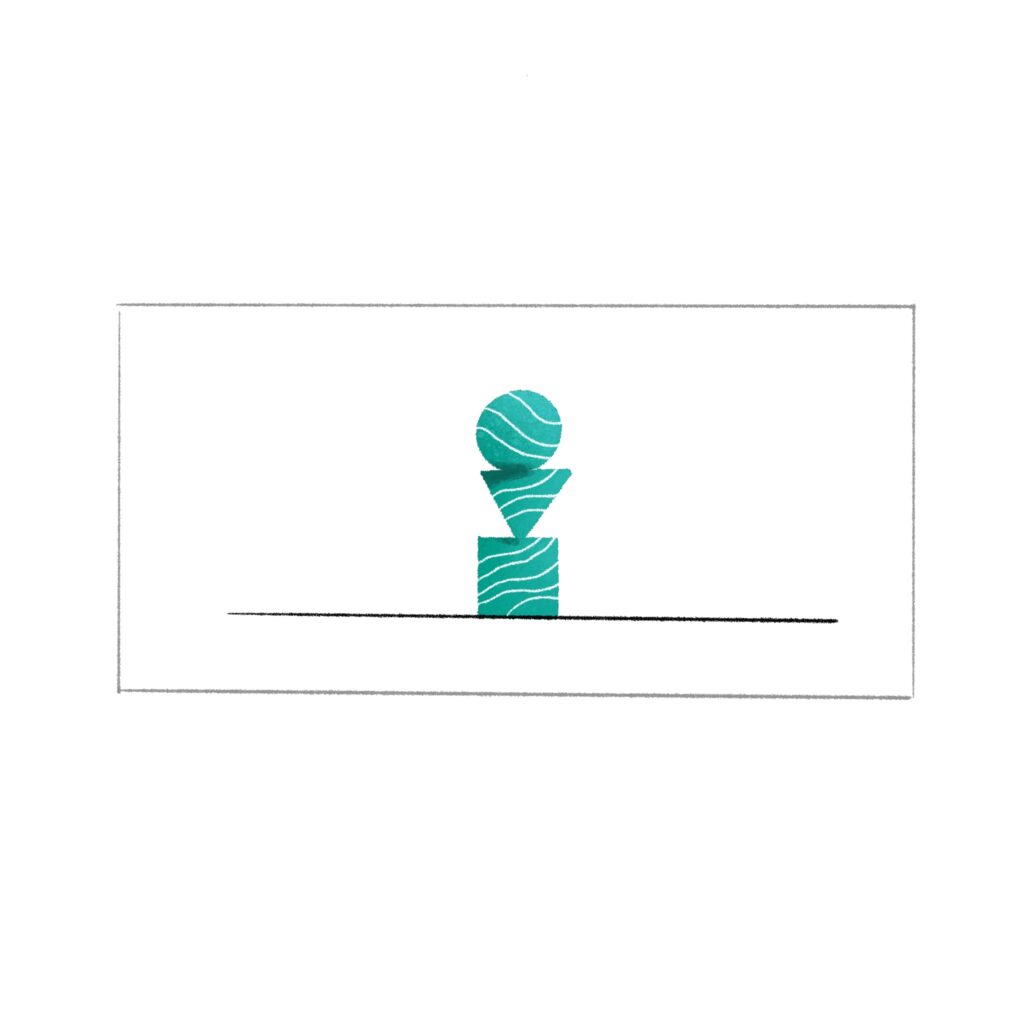
In documentaries, the long shot is often used as an establishing shot. It can convey the same feelings as an extreme long shot, such as loneliness or isolation. When used exclusively, it can make the subject seem distant and unapproachable.
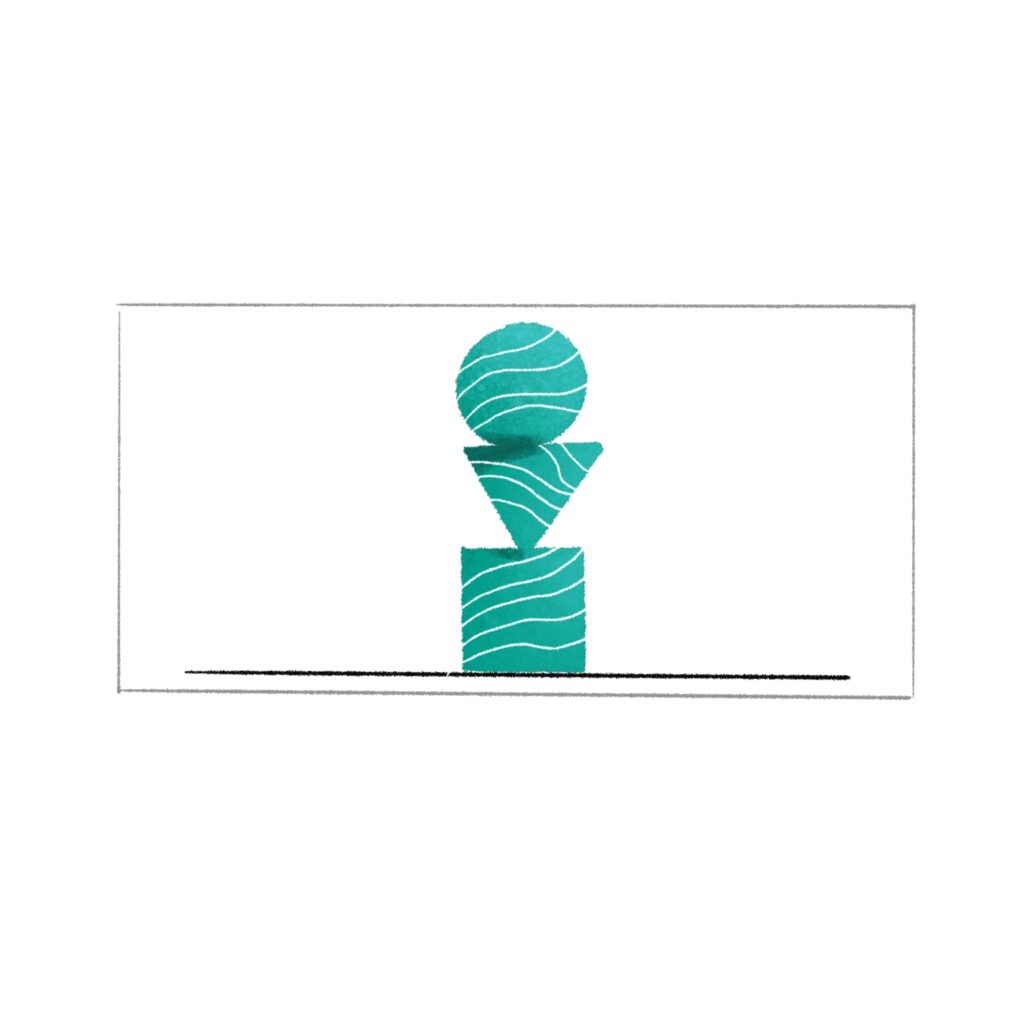
In a full shot, the figures are shown from head to toe, with as few surroundings as possible. Can help: Arrangement of groups, body language, action (rarely for dialog)

In the medium full shot, the figures are shown from the head down to the hips. Can help: to put the person in the foreground, presence
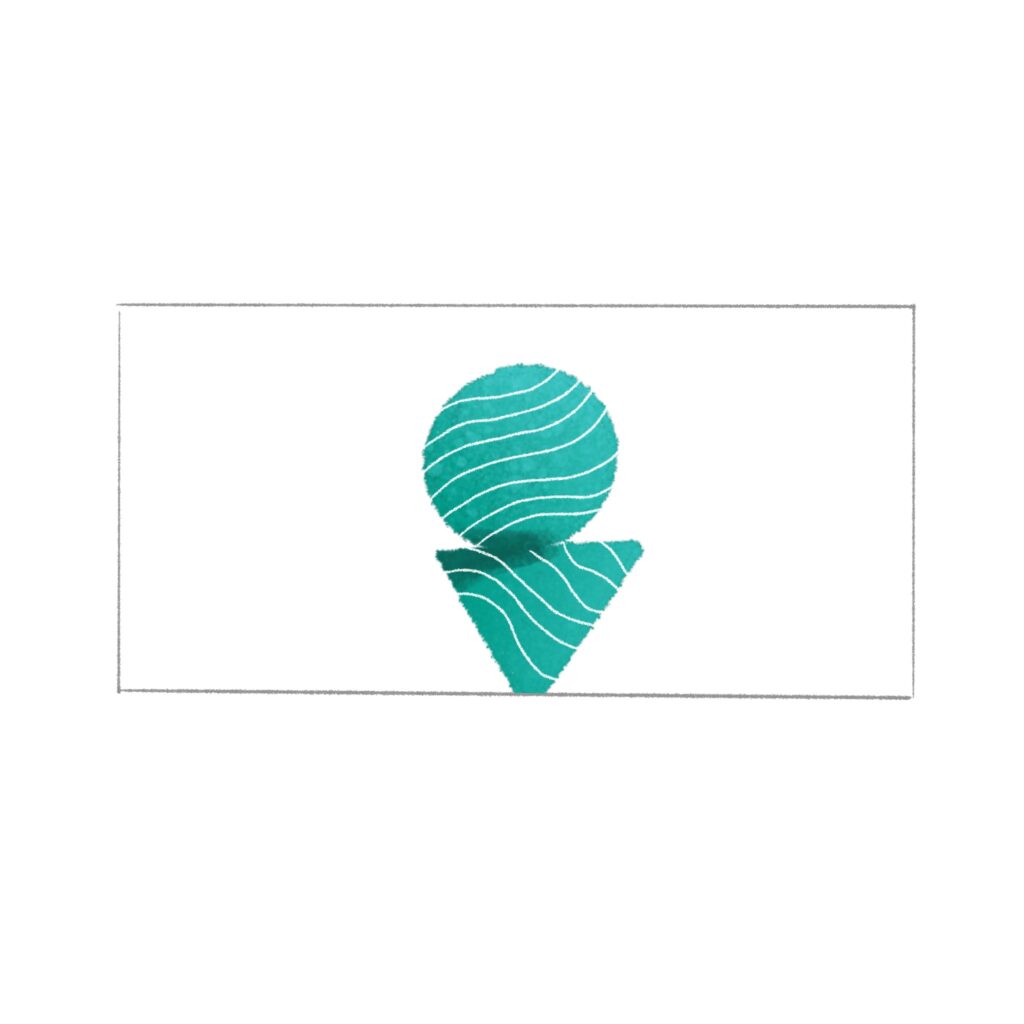
The medium shot is an alternative to the MFS. The camera is much closer to the figure. It is used, for example, during conversations and indoors.
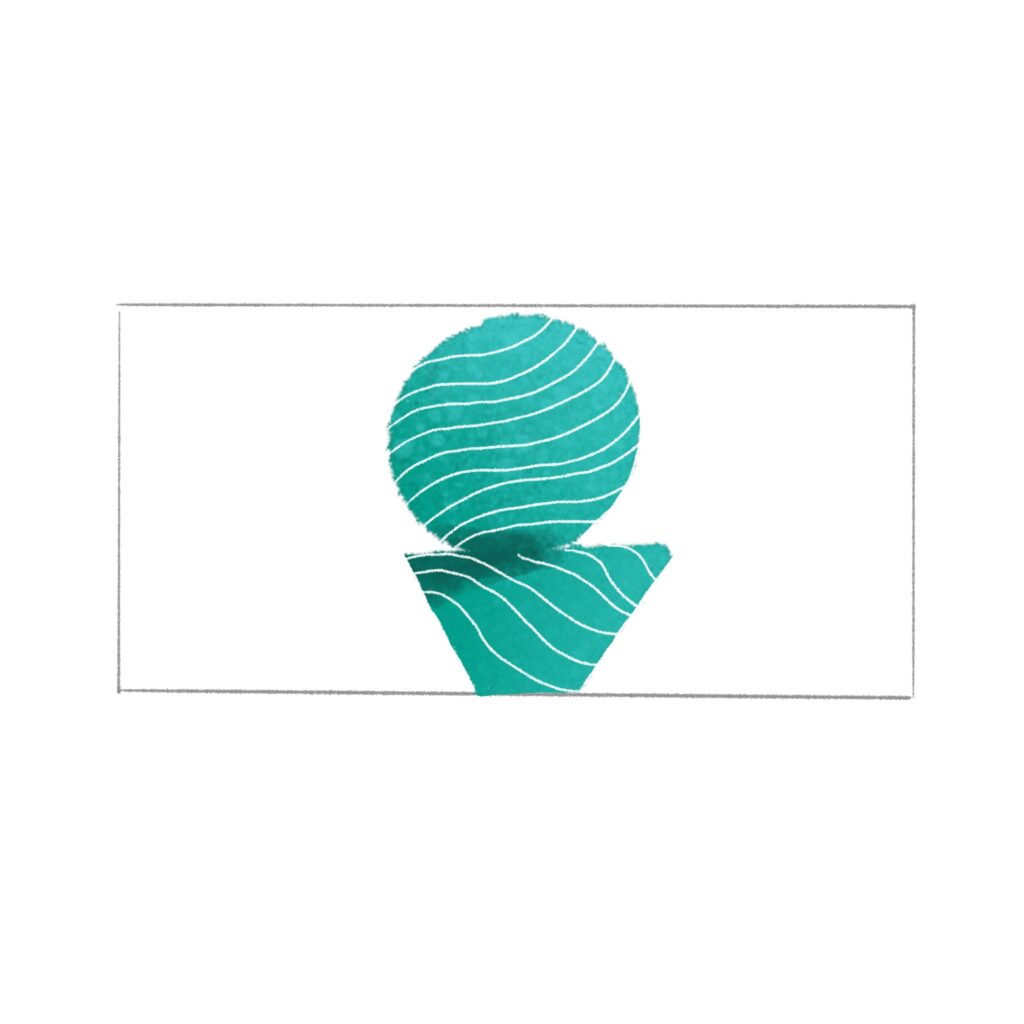
The close-up shows the figure from the head to the middle of the upper body. Can help: Making facial expressions recognizable, conversations, talking heads
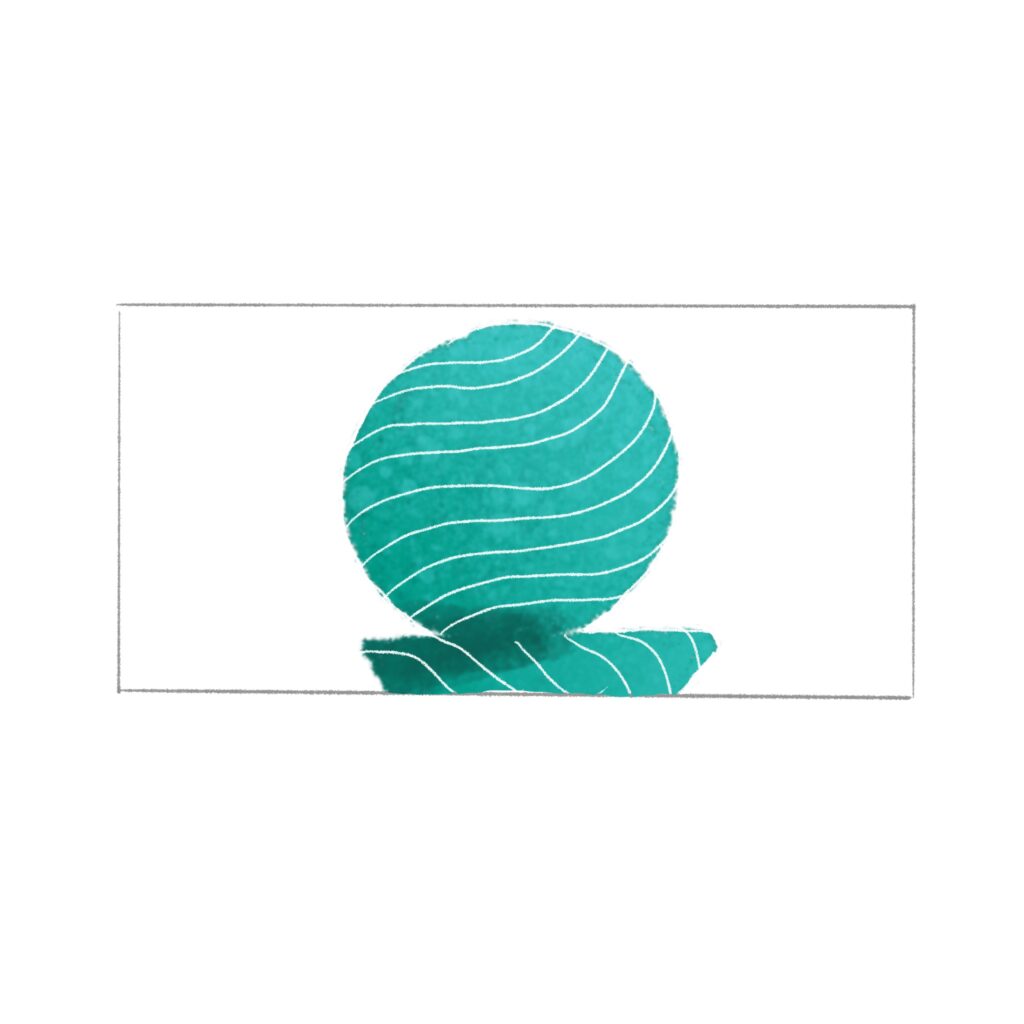
The close-up shows the figure's head and part of the shoulders. Can: Show the emergence of emotions in facial expressions, action in details (hands, feet, etc.)
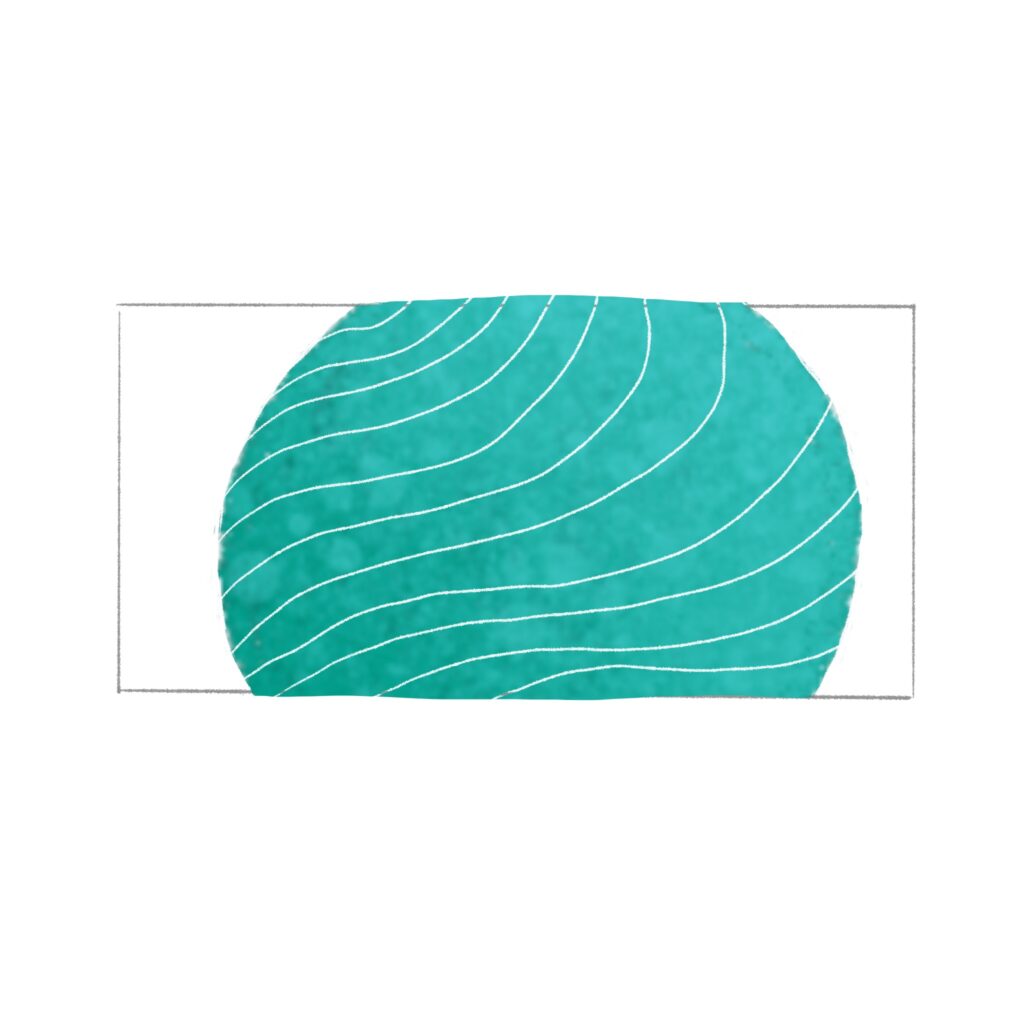
With detail, only a section of the overall image is shown. For example, the lips, the mouse pointer, etc. Conveys: Intimacy or a repulsive effect

A: Top view, B: Bird's eye view, C: Overhead Shot, D: Eye level, E: Bottom view, F: Frog's eye view
What is a storyboard used for?
A storyboard helps you think a motion piece through before you build it. It helps to:
- Organize your thoughts
- Improve planning
- Share ideas
- Identify problems early
- Simplify and save resources
Story
Linklist
Here you can find further input on storyboarding and storytelling:
Literal Storytelling:
https://www.youtube.com/watch?v=oP3c1h8v2ZQ
Cinematic Conventions:
https://www.youtube.com/user/everyframeapainting
Design Thinking:
https://medium.com/@adamwestbrook/storytelling-design-thinking-ed914117f7c1
Method 1 | Sketch first, arrange later
Sketch your Ideas
Assignment
Sketch one image for each word on your list.
Arrange them: sequence, loop, or system. then think: what motion design could come from this? Invent transitions.